Text to Image
Loading models...

Describe your image idea in detail. Be specific about subjects, style, colors, and lighting.

Aspect Ratio
Resolution — credits vary by resolution
Loading...
Preview

Your generated image will appear here

Enter a prompt and click Generate to create your image
Generated Image
Submitting
This may take 10–30 seconds
Generation failed. Please try again.

Text to Image AI Generator - Create Images from Text Instantly

Transform your text descriptions into stunning images with AI-powered text to image technology. Create professional images from simple text prompts in seconds.

Fast Text to Image
Generate images from text in seconds with AI text to image conversion.
High Quality Output
Professional text to image results powered by advanced AI models like DALL-E 3 and Stable Diffusion.
Customizable Settings
Control aspect ratio, resolution, and style for your text to image generation.
Secure Processing
Your text to image generations are processed securely and privately.

Why do creators use text-to-image generators?

Create Images from Text in Seconds

Transform your text descriptions into stunning images with AI text to image technology. Simply describe your vision, and watch as AI brings your words to life with beautiful visuals, artistic styles, and perfect composition.

Generate Image from Text Now
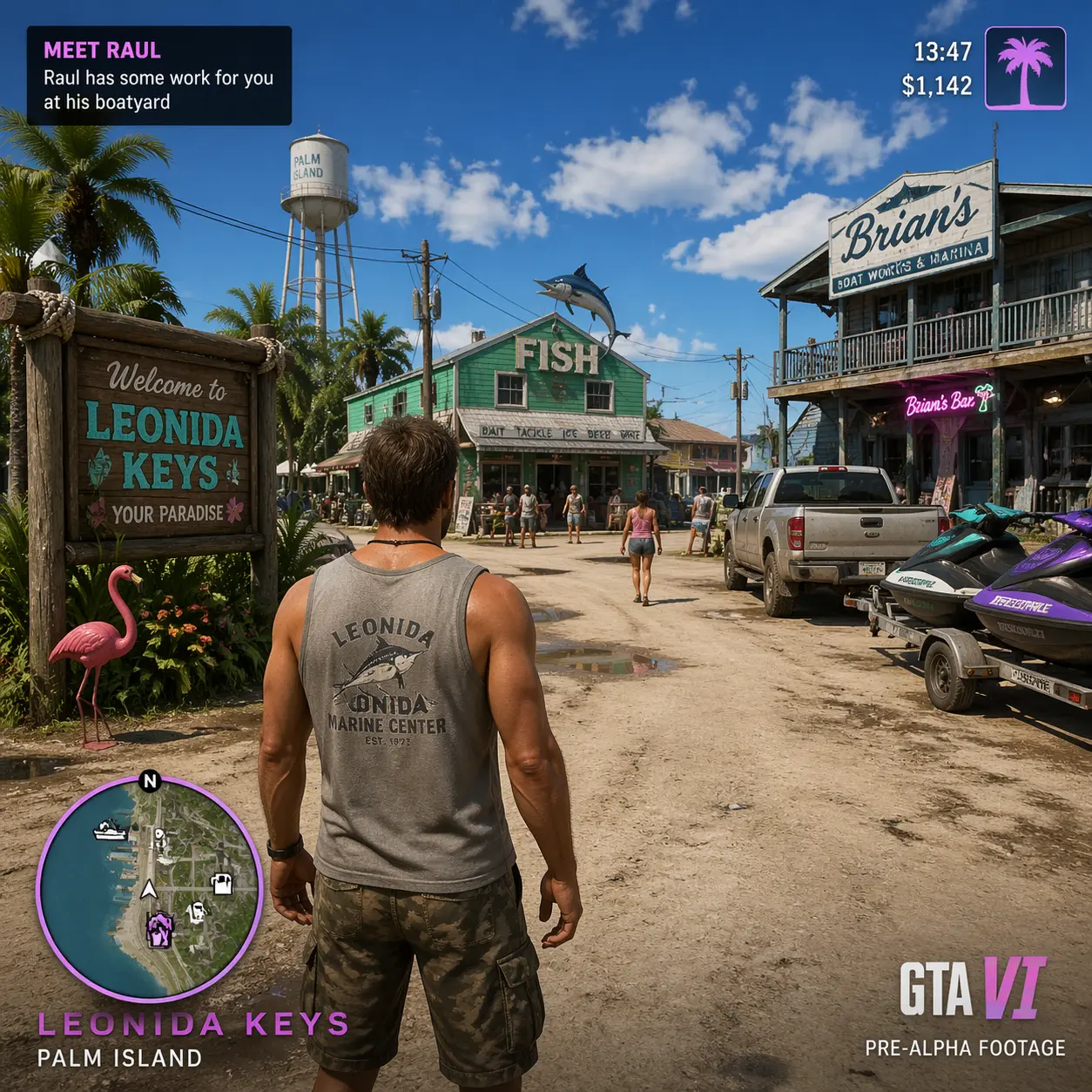
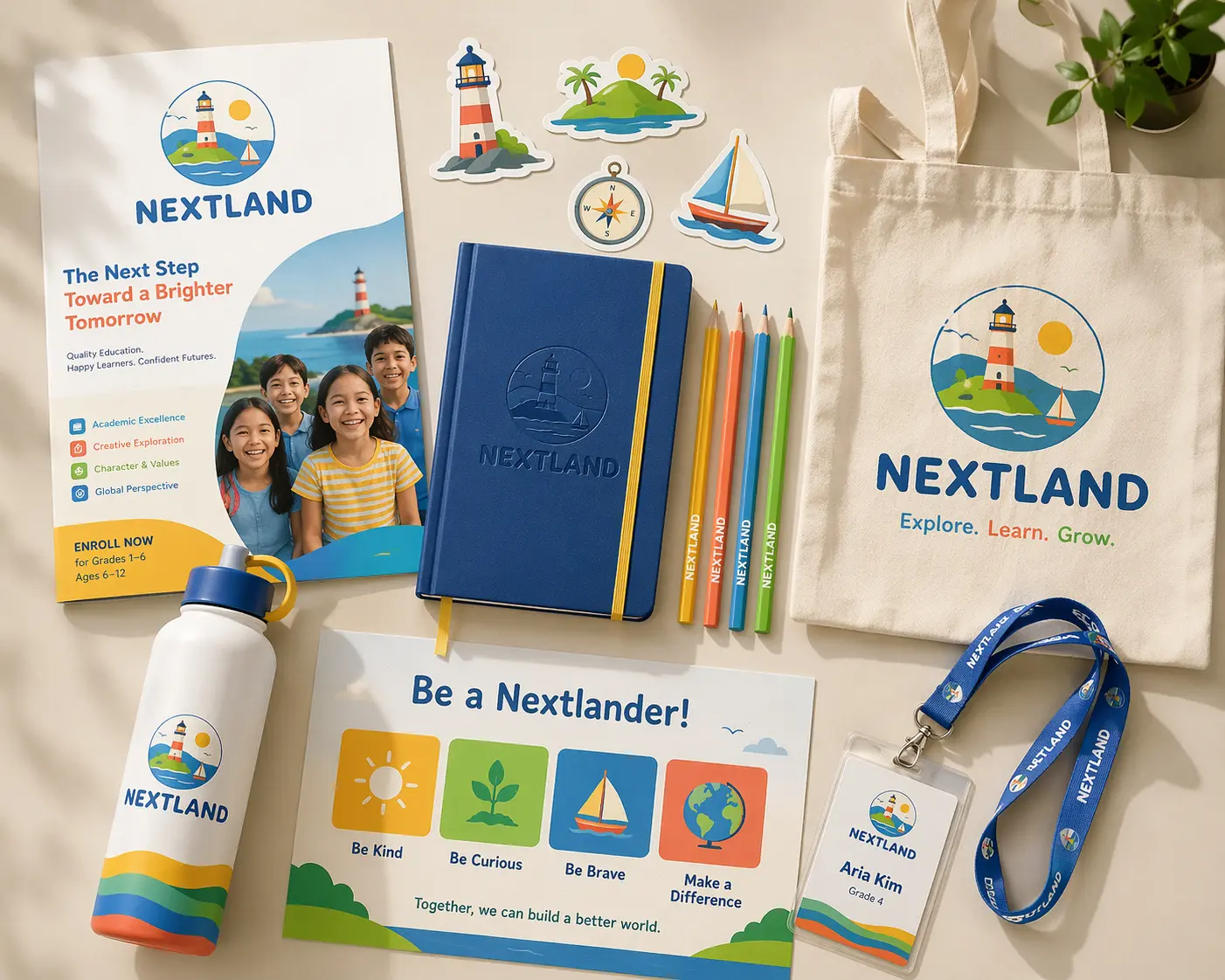
AI Generated Image
AI Generated Art
Image created with Nano Banana Pro

Complete Text to Image Solution

Our text to image generator includes multiple AI models and advanced settings. Choose from DALL-E 3, Stable Diffusion XL, or Midjourney v6. Adjust aspect ratios, resolutions, and styles — all in one platform for seamless text to image workflow.

Start Text to Image Generation

Text to Image Examples

Explore stunning text to image creations generated by our community. See what's possible with AI-powered text to image technology.

Mountain Landscape
Mountain Landscape

Serene mountain vista with dramatic lighting

Abstract Art
Abstract Art

Colorful abstract composition with flowing patterns

Fantasy Scene
Fantasy Scene

Magical forest with mystical atmosphere

How to Generate Image from Text

Create images from text descriptions in three simple steps. Our text to image generator makes it easy to turn your ideas into beautiful images.

1. Write Your Prompt
Describe the image you want to create in detail. Be specific about subjects, style, colors, lighting, and composition for best results.
2. Customize Settings
Choose your AI model, adjust aspect ratio, resolution, and style settings for your text to image generation. Our AI will bring your text to life.
3. Get Your Image
Generate and download your image instantly. Your text to image creation is ready in seconds!

Text to Image Best Practices

Get the best results from your text to image generation with these expert tips and recommendations.

Write Detailed Prompts
Be specific and descriptive in your prompts. Instead of "a dog", try "a golden retriever playing in a sunny park with green grass, soft natural lighting, photorealistic style". Include details about subjects, setting, mood, lighting, colors, and artistic style for best results.
Specify Art Styles
Mention specific art styles in your prompts. Words like "photorealistic", "digital art", "watercolor", "oil painting", "3D render", "anime style" help the AI understand the visual style you want. Combine style with subject for unique results.
Choose the Right Aspect Ratio
1:1 (square) is perfect for social media posts like Instagram. 16:9 works great for wallpapers and wide compositions. 9:16 is ideal for mobile wallpapers and vertical content. Select based on your intended use.
Resolution Selection
1024px is perfect for social media and quick previews. Use 2048px for professional projects, prints, or when you need the highest quality. Higher resolution takes slightly longer to process and consumes more credits.

Recommended Prompt Styles

  • Nature scenes: "A serene mountain landscape at sunset with dramatic clouds, golden hour lighting, photorealistic"
  • Portraits: "A young woman in a bustling city street at night, neon lights, cinematic lighting, professional photography"
  • Abstract art: "Colorful abstract patterns flowing like liquid, vibrant colors, digital art style"
  • Product showcases: "A sleek smartphone on a minimalist white background, studio lighting, product photography"
  • Fantasy scenes: "A magical forest with glowing fireflies, mystical atmosphere, fantasy art style"
  • Architecture: "Modern glass building with geometric patterns, blue hour lighting, architectural photography"

Text to Image Use Cases

Discover how text to image generation can transform your creative projects and business needs.

Marketing & Ads
Create engaging images from text descriptions for social media campaigns, banners, and promotional content with text to image technology.
Digital Art
Generate unique artwork from text ideas for portfolios, NFT collections, and artistic projects using our text to image generator.
Illustrations
Create custom illustrations for books, articles, and blog posts with images generated from text descriptions using text to image AI.
Presentations
Create engaging visual content for business presentations and educational materials with text to image generation.

Text to Image FAQ

Write detailed, descriptive prompts that include specific details about subjects, composition, colors, lighting, and artistic style. For best text to image results, be specific about what you want to see, such as "a serene beach at sunset with golden hour lighting, photorealistic style, vibrant colors" rather than just "beach".

The processing time for text-to-image conversion depends on the device model: some models take 10-20 seconds to generate ultra-high-quality text-to-image conversions, while others are faster, taking only 5-10 seconds. Image resolution also affects processing time.

Yes! Include style and artistic descriptions in your text prompt. For example, "photorealistic portrait of a bird in a misty forest, cinematic lighting" or "abstract digital art with vibrant colors and flowing patterns". You can also specify art styles like "watercolor", "oil painting", "3D render", or "anime style". The AI will interpret your text description to create the image.

Choose 1024px for social media text to image generations or 2048px for professional projects and prints. Aspect ratios include 1:1 (square) for Instagram, 16:9 for wallpapers, and 9:16 for vertical content. All options deliver excellent quality for your text to image creation.

The cost of text-to-image generation varies depending on the model: some require 10 points per generation, while others require 8 points per generation. The cost will be displayed before you begin text-to-image generation.

Best results for text to image generation come from detailed, descriptive prompts that include specific elements like subjects, composition, colors, lighting, and artistic style. Prompts with clear visual descriptions, specific art styles, and vivid details work particularly well.

Yes! Download your generated images in PNG or JPG format. All text to image generations are saved to your account and accessible from "My Creations" in the sidebar.

No limit on text to image generations! As long as you have credits, you can generate as many images from text as you want. Credits can be purchased or earned on the platform.