Image to Image
Loading models...
Click or drag to upload
JPG, PNG, JPEG, WEBP · max 10 MB
preview

The AI will transform your image based on the prompt and settings.

Leave empty to let the AI decide based on style settings.

Aspect Ratio
Resolution — credits vary by resolution
Loading...
Preview

Your transformed image will appear here

Upload an image and click Generate to transform it
Transformed Image
Submitting
This may take 10–30 seconds
Generation failed. Please try again.

Image to Image AI Generator - Transform Images with AI Instantly

Transform and enhance your images with AI-powered image to image technology. Convert images to different styles, enhance quality, and create stunning variations in seconds.

Fast Image Transformation
Transform images in seconds with AI-powered image to image conversion technology.
High Quality Output
Professional image to image results powered by advanced AI models like Stable Diffusion XL and ControlNet.
Precise Control
Control transformation strength, style, aspect ratio, and artistic direction for your image to image generation.
Secure Processing
Your image to image transformations are processed securely and privately.

Why do creators use image transformation?

Transform Images to Any Style in Seconds

Transform your existing images into stunning new visuals with AI image to image technology. Upload any image and convert it to different artistic styles, enhance quality, or create unique variations while preserving the original composition and structure.

Transform Your Image Now
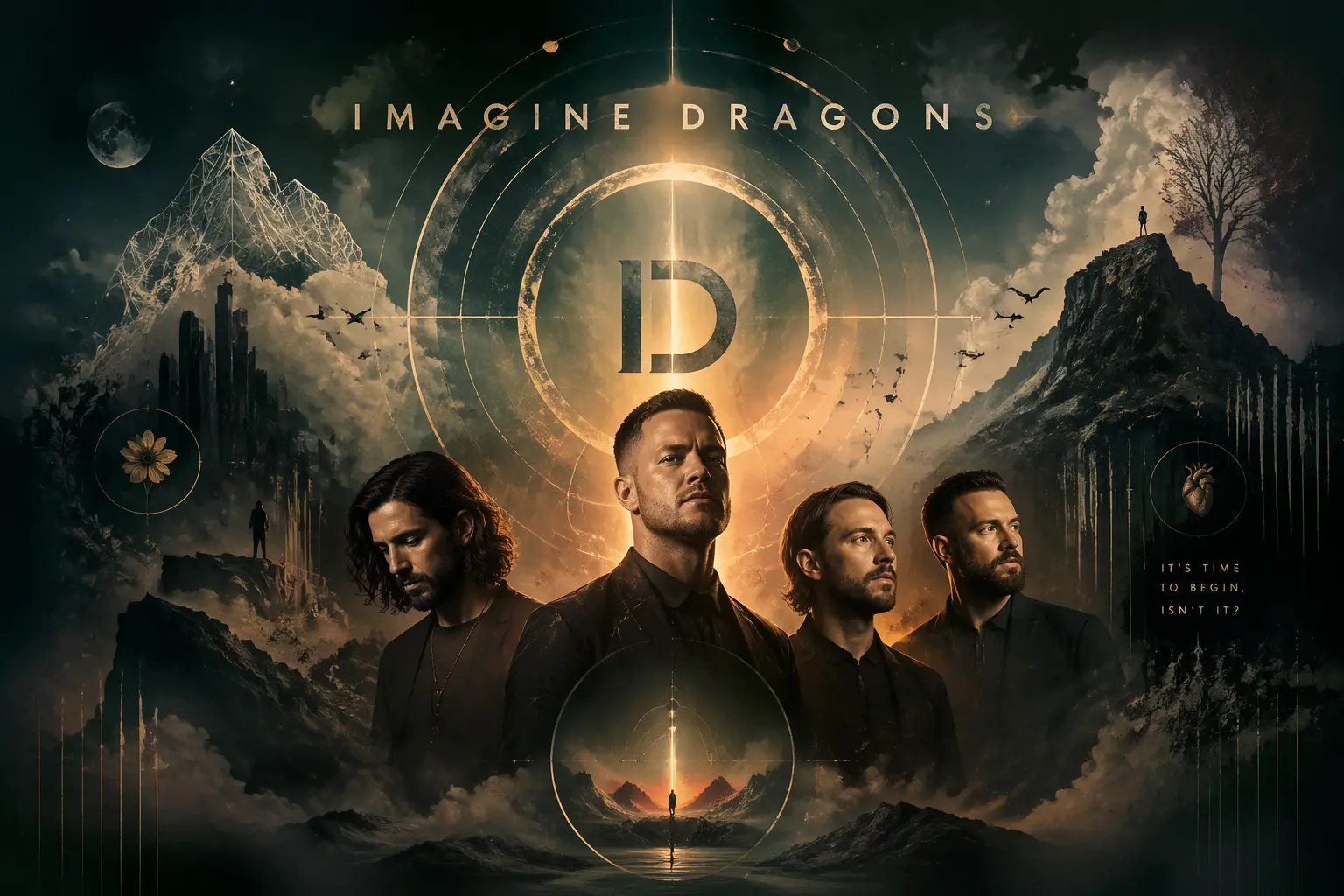
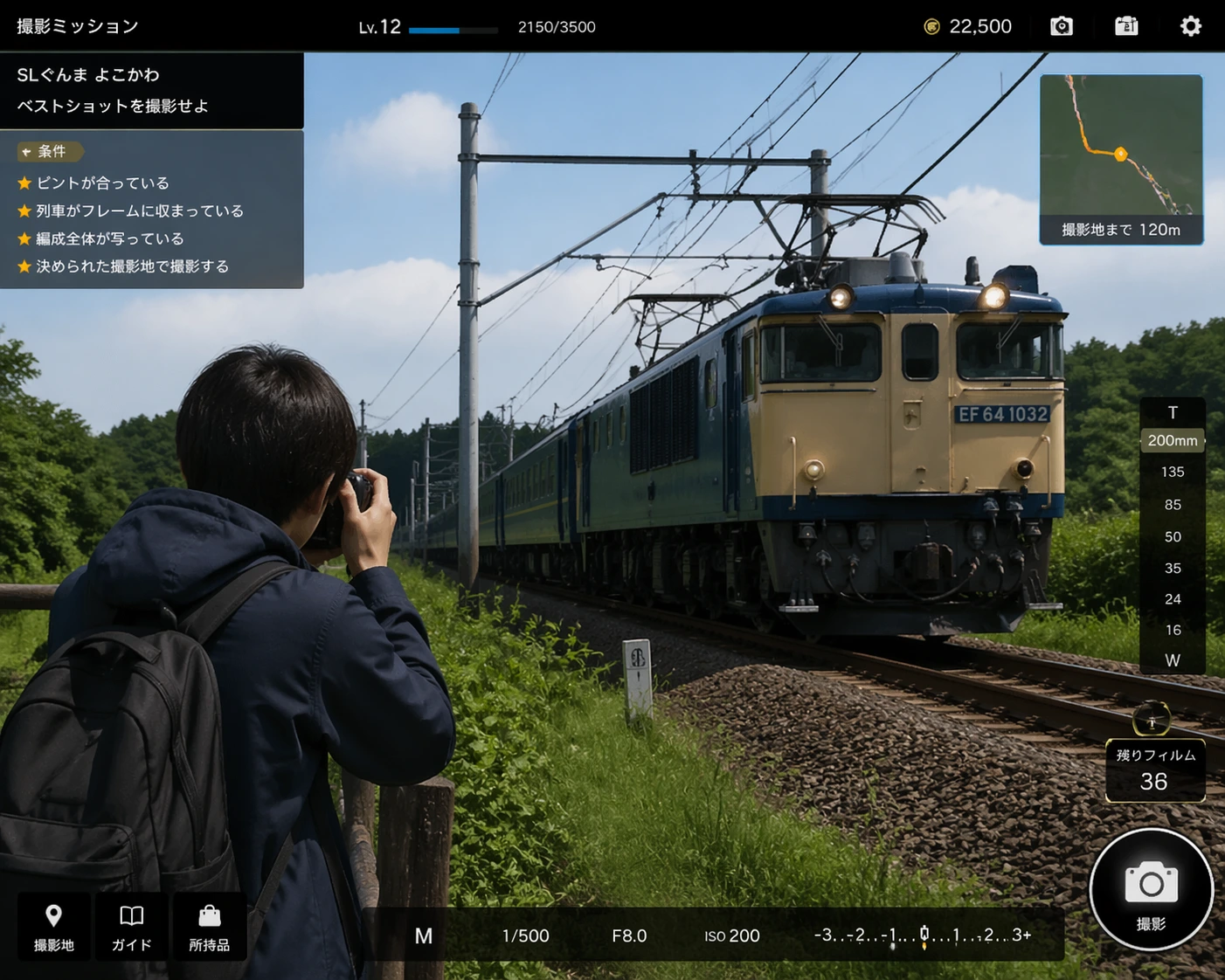
AI Transformed Image
Image transformed with GPT Image
AI Transformed Art
Image transformed with Nano Banana Pro

Complete Image to Image Solution

Our image to image generator includes multiple AI models and advanced transformation controls. Choose from Stable Diffusion XL, ControlNet, or Img2Img Pro. Adjust transformation strength, aspect ratios, styles, and artistic direction — all in one platform for seamless image to image workflow.

Start Image to Image Transformation

Image to Image Examples

Explore stunning image to image transformations created by our community. See what's possible with AI-powered image to image technology.

Photo to Watercolor
Photo to Watercolor

Original photo transformed into watercolor painting style

Style Transfer
Style Transfer

Realistic image converted to abstract artistic style

Anime Transformation

Photograph transformed into anime art style

How to Transform Images with AI

Transform your images in three simple steps. Our image to image generator makes it easy to convert images to different styles and create stunning variations.

1. Upload Your Image
Upload your source image (PNG, JPG, or WEBP). The AI will use it as the base for transformation while preserving composition and structure.
2. Configure Transformation
Choose your AI model, set transformation strength, adjust aspect ratio, and optionally add a prompt to guide the style change for your image to image generation.
3. Get Transformed Image
Generate and download your transformed image instantly. Your image to image creation is ready in seconds!

Image to Image Best Practices

Get the best results from your image to image transformation with these expert tips and recommendations.

Choose Quality Source Images
Start with clear, well-lit source images for best results. High-resolution images with good contrast work better. The AI preserves the composition and structure of your source image, so a good starting point leads to better transformations.
Adjust Transformation Strength
Use 30% strength for subtle style changes that keep most original details. 50% provides balanced transformation. 70% creates dramatic style changes while maintaining structure. Experiment to find the perfect balance for your image to image transformation.
Use Style Prompts
Add transformation prompts like "convert to watercolor style", "make it anime style", "enhance colors and vibrancy", or "transform to oil painting". These guide the AI to apply specific artistic styles while preserving your image's composition.
Maintain or Change Aspect Ratio
Keep the original aspect ratio to preserve composition, or change it to fit your needs. 1:1 for social media, 16:9 for wallpapers, 9:16 for vertical content. The AI will intelligently adapt your image to the new ratio.

Popular Transformation Styles

  • Artistic styles: "convert to watercolor painting", "transform to oil painting style", "make it look like a sketch"
  • Digital art: "convert to anime style", "transform to digital art", "make it look like a 3D render"
  • Enhancement: "enhance colors and contrast", "improve lighting", "make it more vibrant"
  • Vintage effects: "apply vintage film look", "convert to black and white with sepia tone", "add retro color grading"
  • Fantasy transformation: "transform to fantasy art style", "add magical atmosphere", "convert to surreal style"
  • Professional enhancement: "enhance for professional photography", "improve sharpness and clarity", "optimize for print"

Image to Image Use Cases

Discover how image to image transformation can enhance your creative projects and business needs.

Style Conversion
Transform product photos and marketing images to different artistic styles for campaigns, social media, and promotional content with image to image technology.
Art Creation
Convert photos to artistic styles like watercolor, oil painting, or anime for portfolios, NFT collections, and creative projects using our image to image generator.
Image Enhancement
Enhance photo quality, improve colors, lighting, and clarity for professional use with AI-powered image to image enhancement technology.
Content Variation
Create multiple style variations of the same image for A/B testing, content variations, and creative exploration with image to image generation.

Image to Image FAQ

Image to image transformation uses AI to convert your existing images into different styles while preserving the original composition and structure. You upload a source image, and the AI transforms it based on your style preferences, transformation strength, and optional prompts. This is different from text to image, as it uses your image as the foundation rather than generating from scratch.

Image-to-image processing time depends on the model and the transform intensity: some require 8-15 seconds, some require 10-20 seconds for precise control, and higher transform intensities and larger images may require longer processing times.

You can control the transformation in multiple ways: (1) Use the transformation strength slider (30% for subtle, 50% for balanced, 70% for dramatic changes), (2) Add an optional transformation prompt like "convert to watercolor style" or "make it anime style", (3) Choose different AI models optimized for specific transformation types. The AI will preserve your image's composition while applying the style transformation.

We support PNG, JPG, and WEBP formats up to 10MB. You can maintain the original aspect ratio or change it to 1:1 (square) for Instagram, 16:9 for wallpapers, or 9:16 for vertical content. The AI intelligently adapts your image to the new aspect ratio while preserving important elements. Higher resolution source images generally produce better transformation results.

The cost of image-to-image conversion varies depending on the model: some consume 10 points per conversion, while others precisely control the cost to 12 points per conversion. The cost will be displayed before you begin the image-to-image conversion.

Clear, well-lit images with good contrast work best for image to image transformation. Photos with distinct subjects, good composition, and sufficient detail produce better results. The AI preserves the structure and composition of your source image, so starting with a quality image leads to better transformations. Works great with portraits, landscapes, product photos, and artistic images.

Yes! Download your transformed images in PNG or JPG format. All image to image transformations are saved to your account along with the source images, and accessible from "My Creations" in the sidebar. You can compare before and after versions.

Transformation strength controls how much the AI modifies your source image. 30% strength applies subtle style changes while keeping most original details. 50% provides balanced transformation. 70% creates dramatic style changes while maintaining the image structure. Lower strength preserves more of the original, while higher strength creates more dramatic transformations. Experiment to find the perfect balance for your needs.

No limit on image to image transformations! As long as you have credits, you can transform as many images as you want. You can even transform the same image multiple times with different styles or settings. Credits can be purchased or earned on the platform.